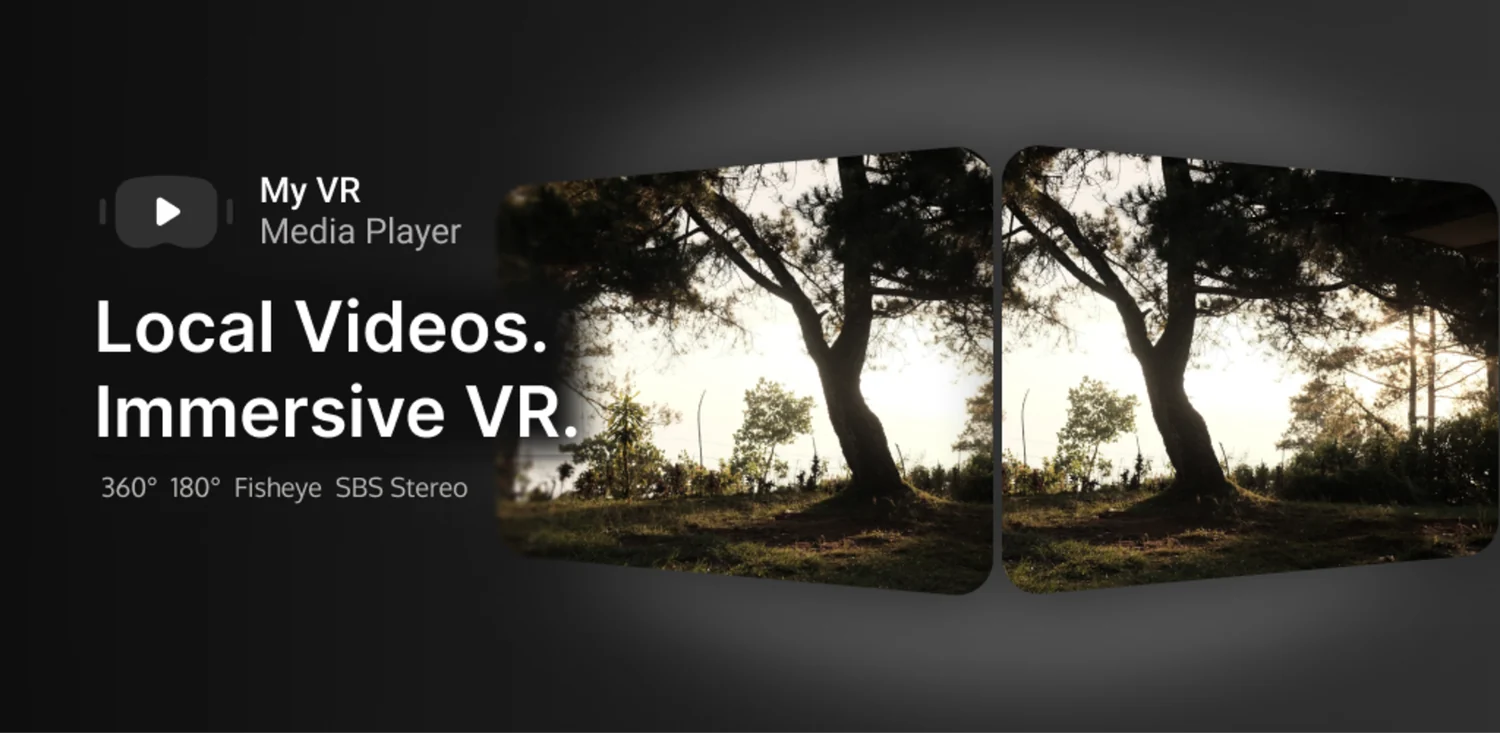
My VR Media Player
Your local videos in VR, in one lightweight player. An offline-first video player for Android — your videos never leave your device.
- Offline-first playback
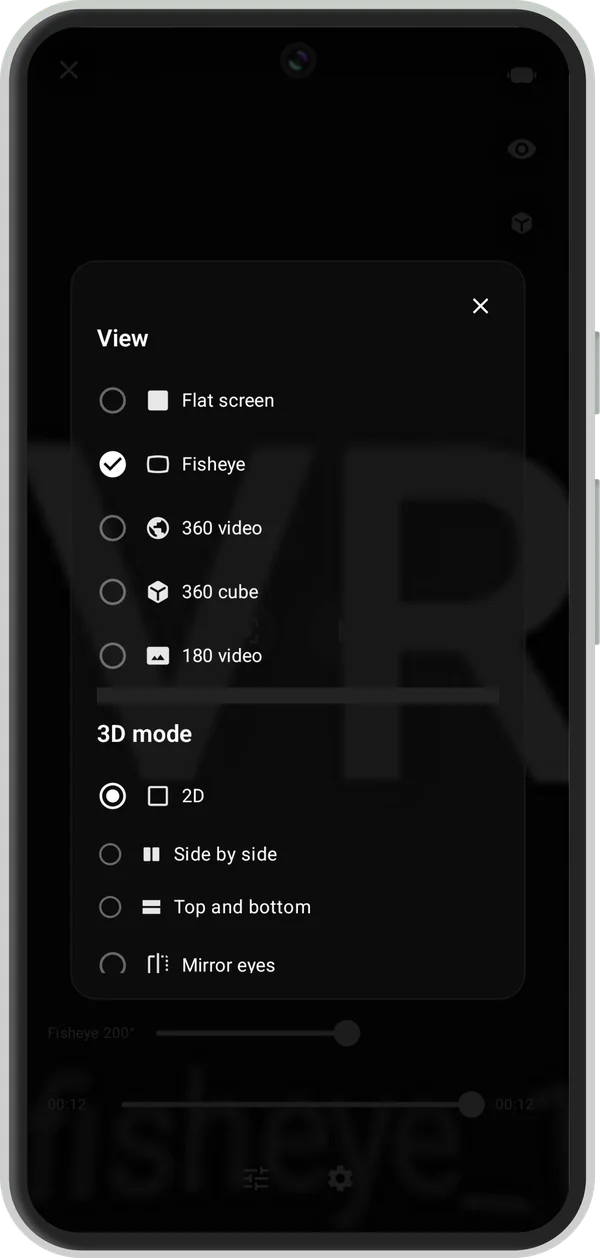
- 360° / 180° / Fisheye / Flat
- SBS / Top-Bottom stereo
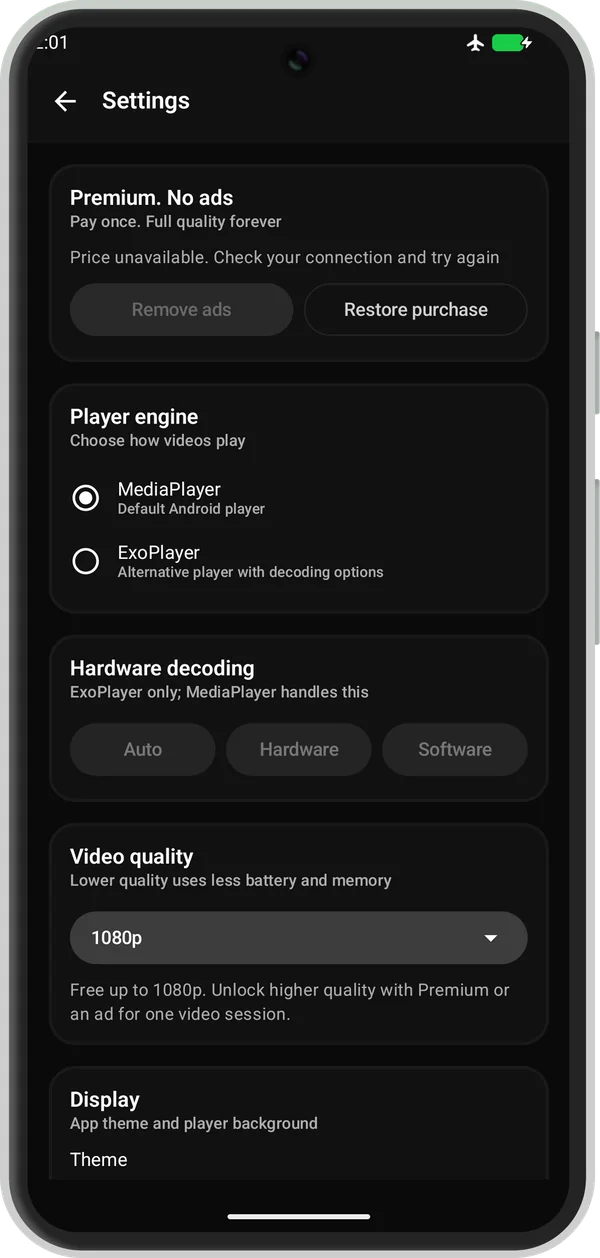
- MediaPlayer + ExoPlayer engines
- Cardboard headsets
Package: com.solusvoid.myvrplayer · Requires Android 7.0+ · Free with ads, optional one-time Remove Ads.
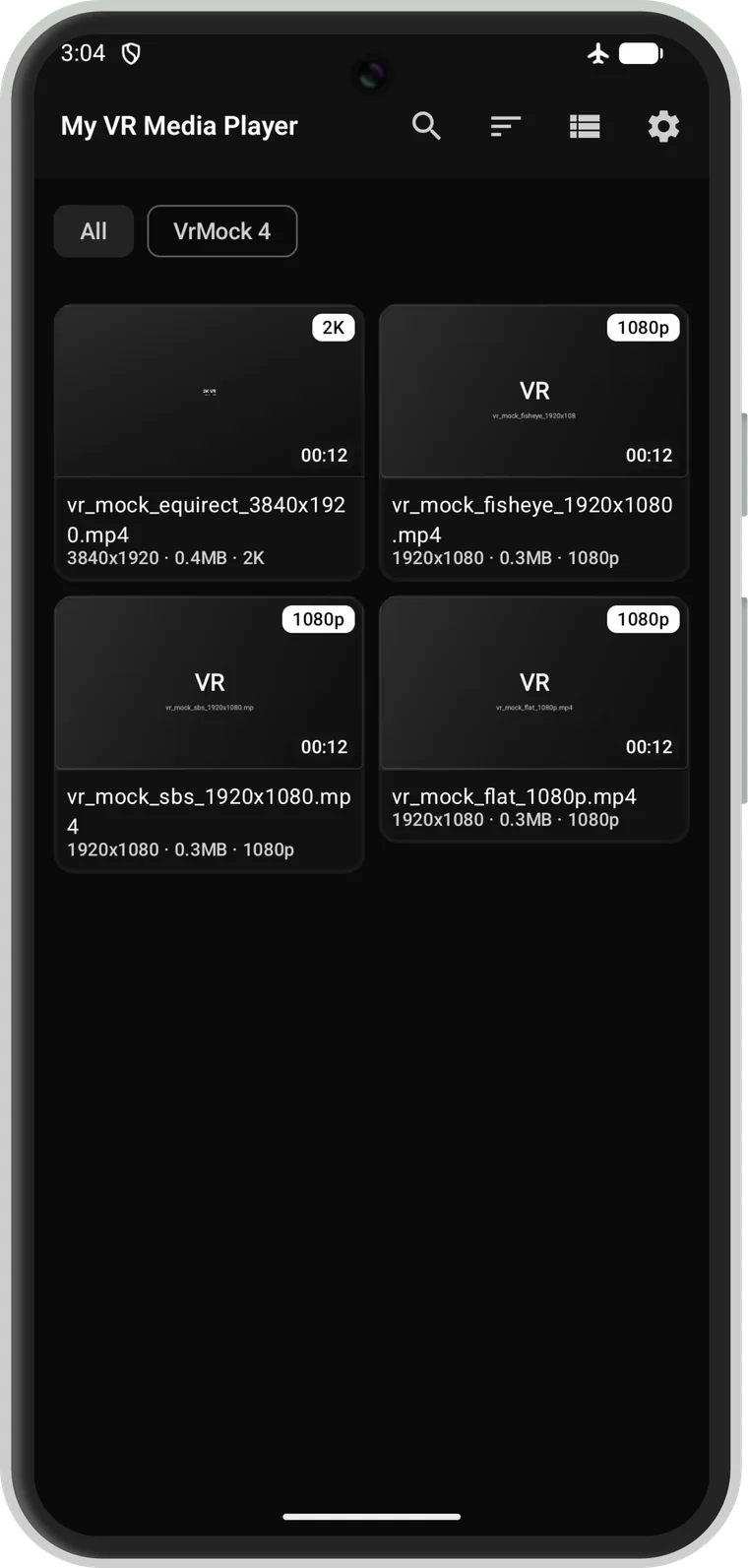
Screenshots
Taken from the current Android build. No account, no cloud — just the videos already on your device.
Features
Plays your local videos, offline
Browse videos from your device with fast thumbnails, folders, search and sort. Airplane mode = playback still works. No account, no cloud, no streaming. MP4, MOV and 3GP with H.264 are the supported playback targets; other formats depend on your device's codecs and the selected engine. Subtitles are not supported.
True VR projections
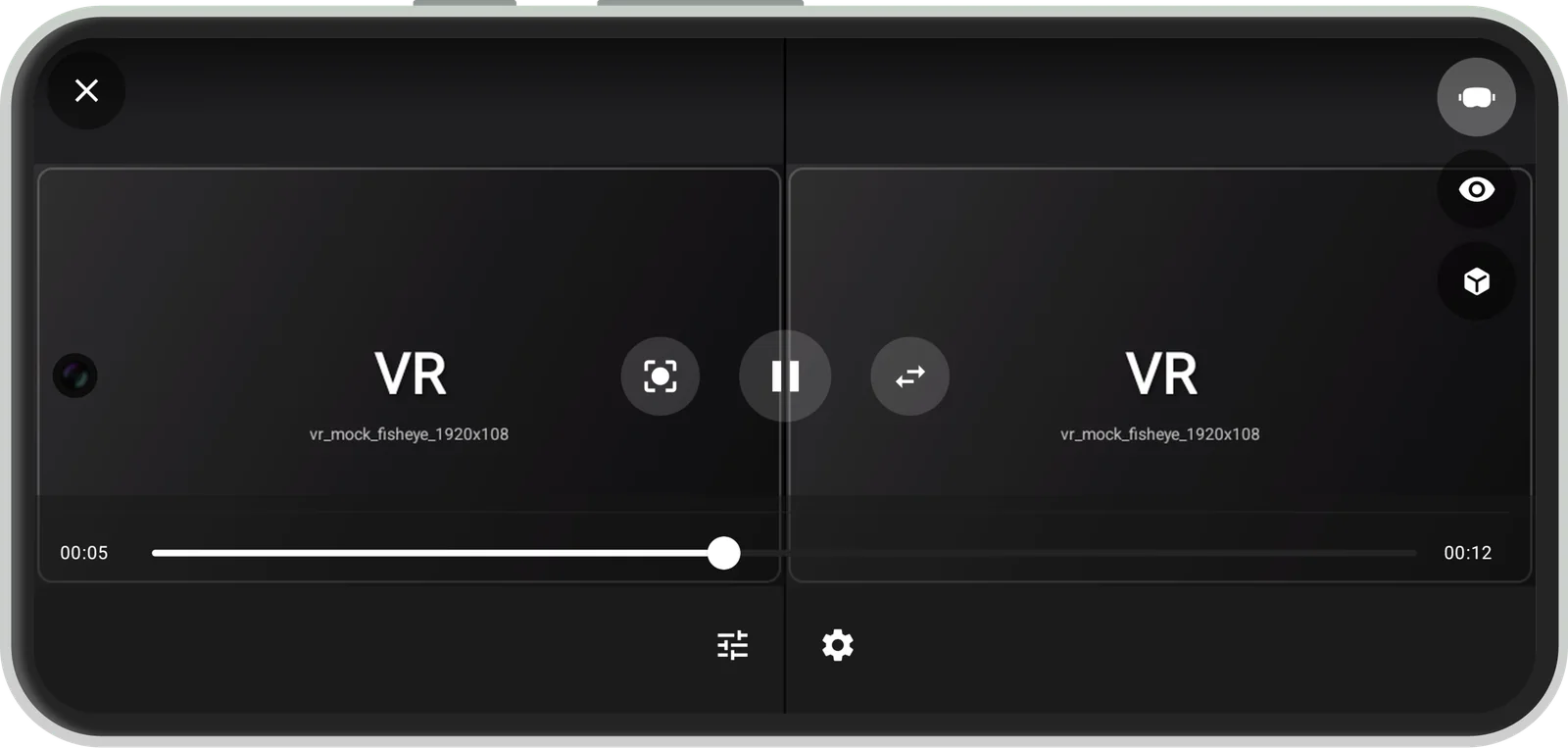
Spherical 360°, 180° hemisphere, fisheye dome (120–280°), flat perspective, and 360 cube (EAC) — with Mono, Side-by-Side and Top-Bottom stereo for headsets.
Head tracking & gestures
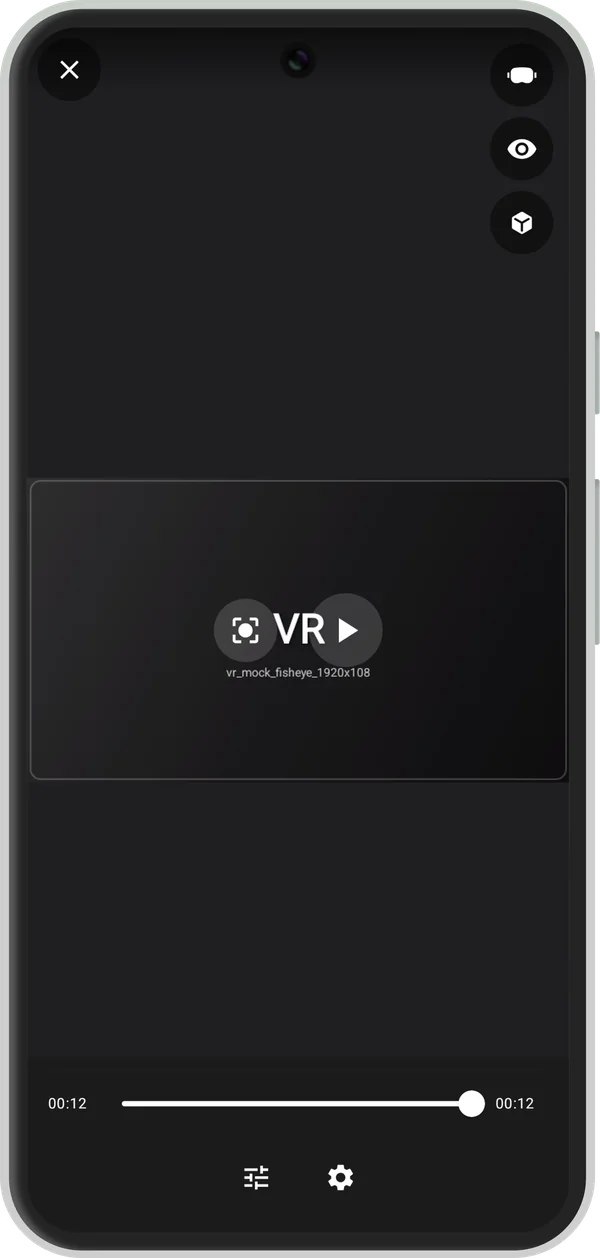
Rotation-vector sensor fusion, touch drag (magic window), pinch-to-zoom FOV, recenter with double-tap, and orientation lock.
Two decoder engines
Choose between the built-in Android MediaPlayer and Media3 ExoPlayer in Settings > Player engine. MediaPlayer is the default. Both rely on device codecs; switching engines does not guarantee support for every format.
Your history stays yours
Resume positions and preferences live only on your device. History is never uploaded and is excluded from cloud backup.
Ads & Premium
During playback
This app contains ads (Google AdMob). No banner, native, or rewarded ad is displayed during video playback or inside the VR playback view; an interstitial may appear at the transition after you leave the player.
Remove Ads
An optional one-time Remove Ads purchase (remove_ads_premium) disables all ads and removes the app's resolution limit for high-resolution videos. Actual playback still depends on device codec/GPU support and your settings.
Network access is used only for ads and the one-time purchase verification; if ads fail to load, playback continues normally. Details: Privacy Policy
Before ads load, Google's User Messaging Platform checks whether consent is required — in the EEA, UK, and Switzerland, and in applicable US states. Declining personalized ads or opting out of sale/share does not remove ads: limited or non-personalized ads may still appear when UMP/TCF/GPP signals and Google policy allow, and playback is unaffected. Only the one-time Remove Ads purchase removes ads. Manage choices in Settings → Legal → Privacy options.
Support
Contact
Developer: SolusVoid
Email: solusvoidofficial@gmail.com
Package: com.solusvoid.myvrplayer
Requirements
Android 7.0 (API 24)+. Permissions: media access for your videos; internet for ads and the one-time purchase verification; advertising ID for ads. Full list in the Privacy Policy.